Open the app. See what needs you today.
Running a field business means a hundred small decisions before lunch — who’s where, what’s waiting on your sign-off, what changed overnight. Today is the home base that answers all of it the moment you log in: a live dashboard, the day’s schedule, the approvals stacking up, and a running record of everything your team has done.
Dashboard
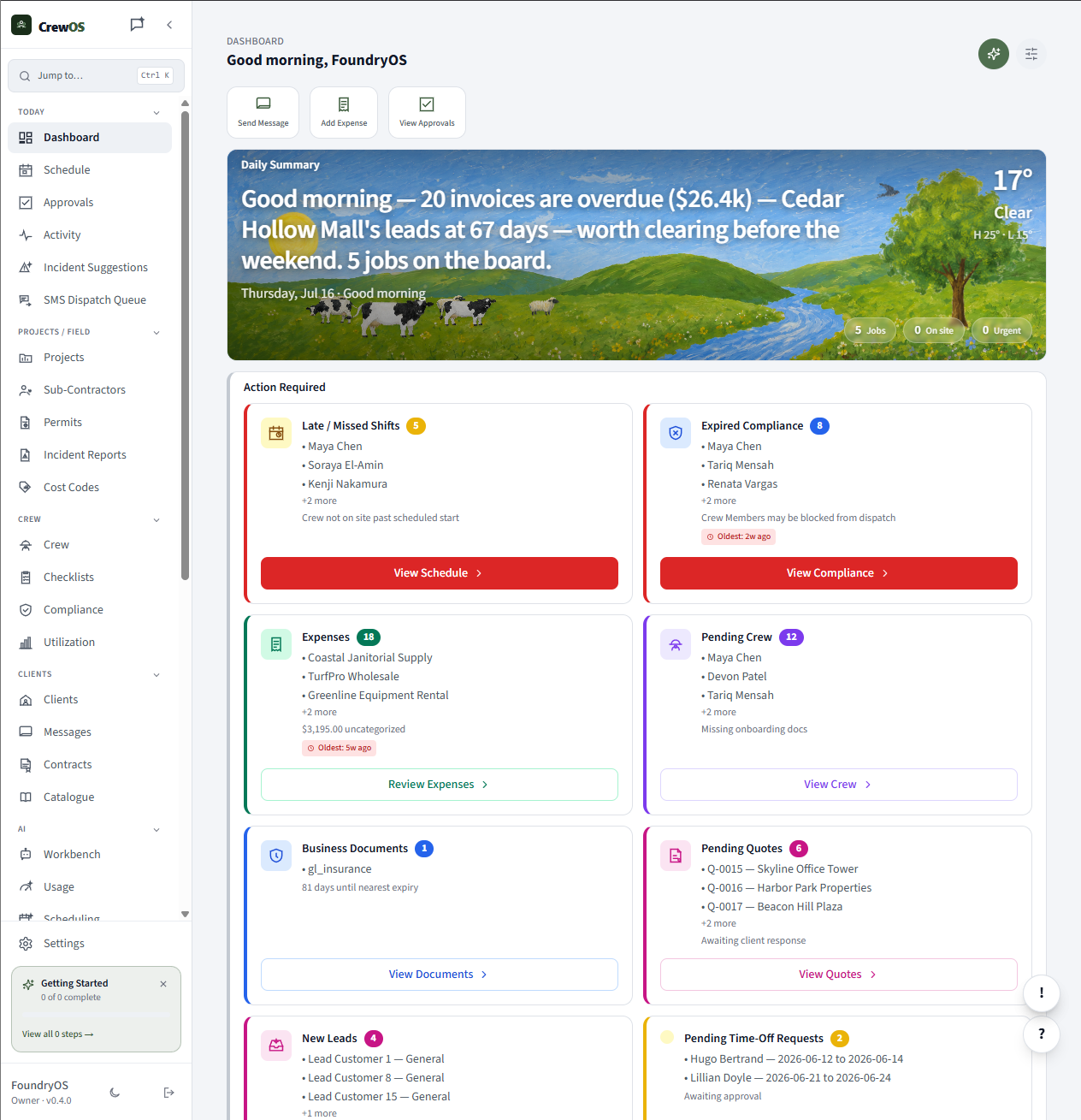
Your whole operation on one screen.
Jobs in progress, crew on shift, revenue booked, and what’s overdue — the dashboard pulls the numbers that actually move your day to the top. It’s the first thing you see and usually the only screen you need before the trucks roll out.
Schedule
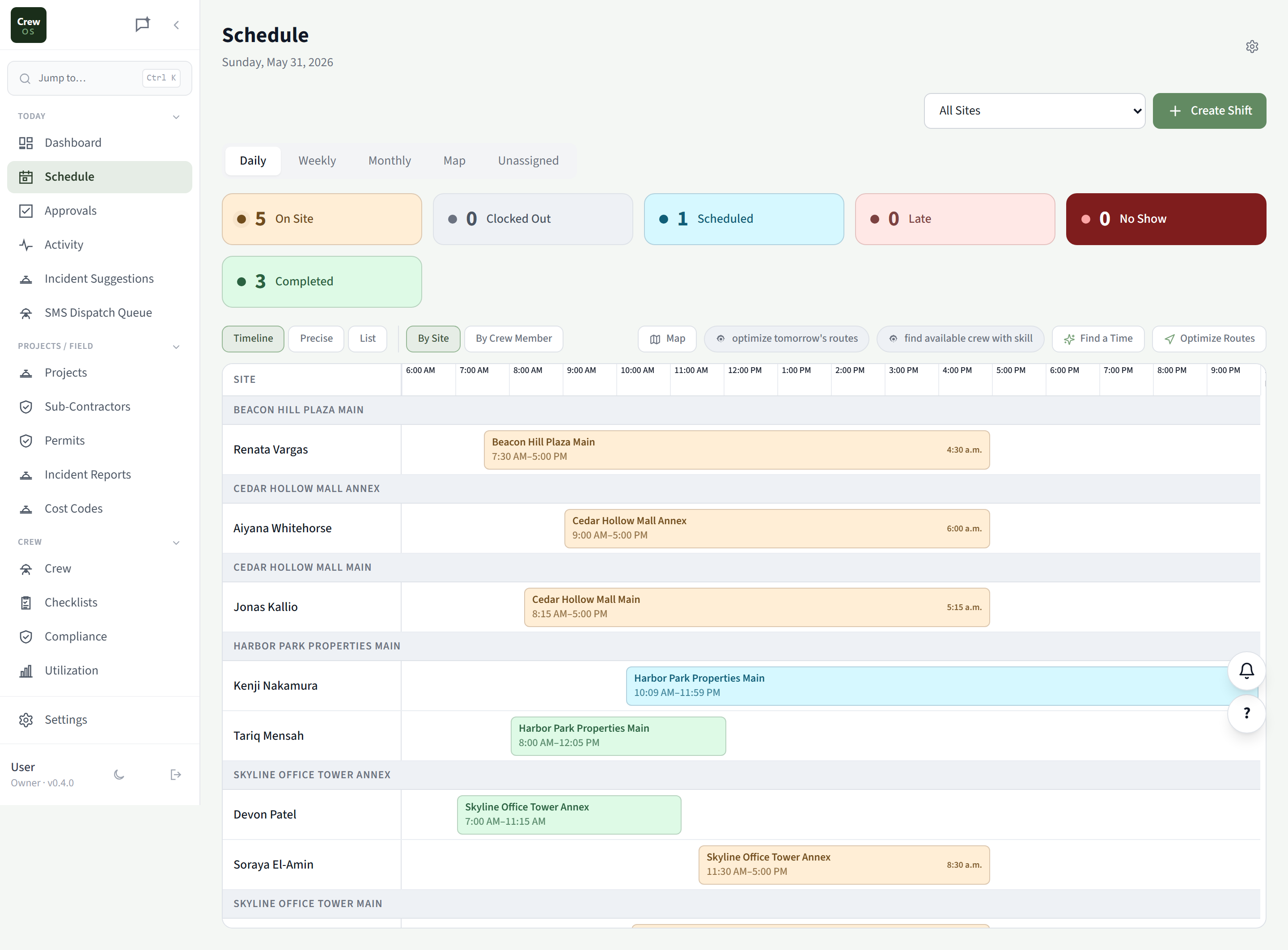
Every job and every crew, on one calendar.
Drag a job to a day, assign the crew, and the workers see it instantly on their phones. Conflicts and double-bookings surface before they happen, and capacity rules keep you from promising work the team can’t deliver.
Approvals
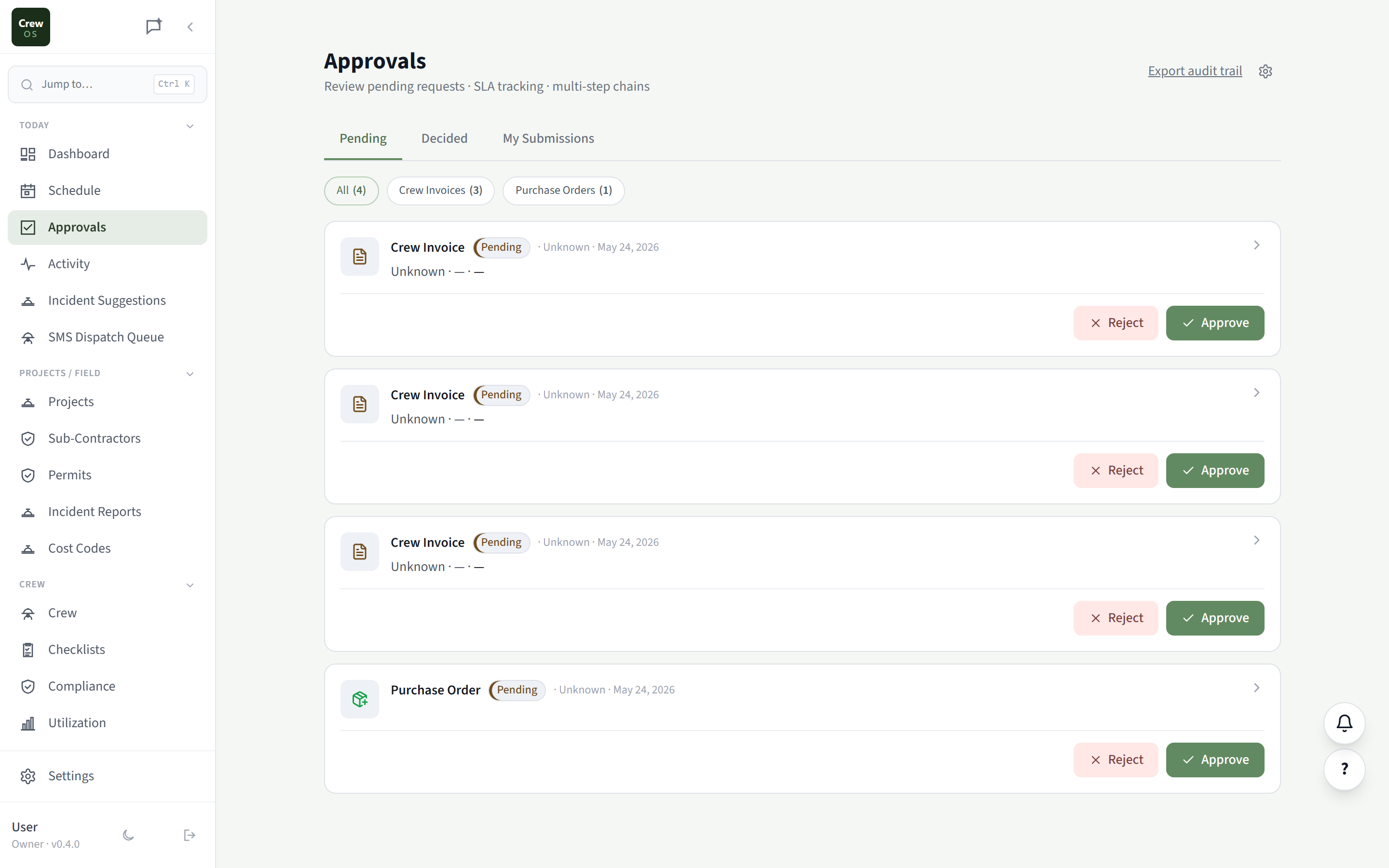
Everything waiting on your sign-off, in one queue.
Quotes ready to send, expenses to reimburse, timesheets to confirm, discounts that need an owner’s yes — they all land in one approvals queue instead of scattered across texts and email. Clear it in a few minutes and nothing falls through.
Activity
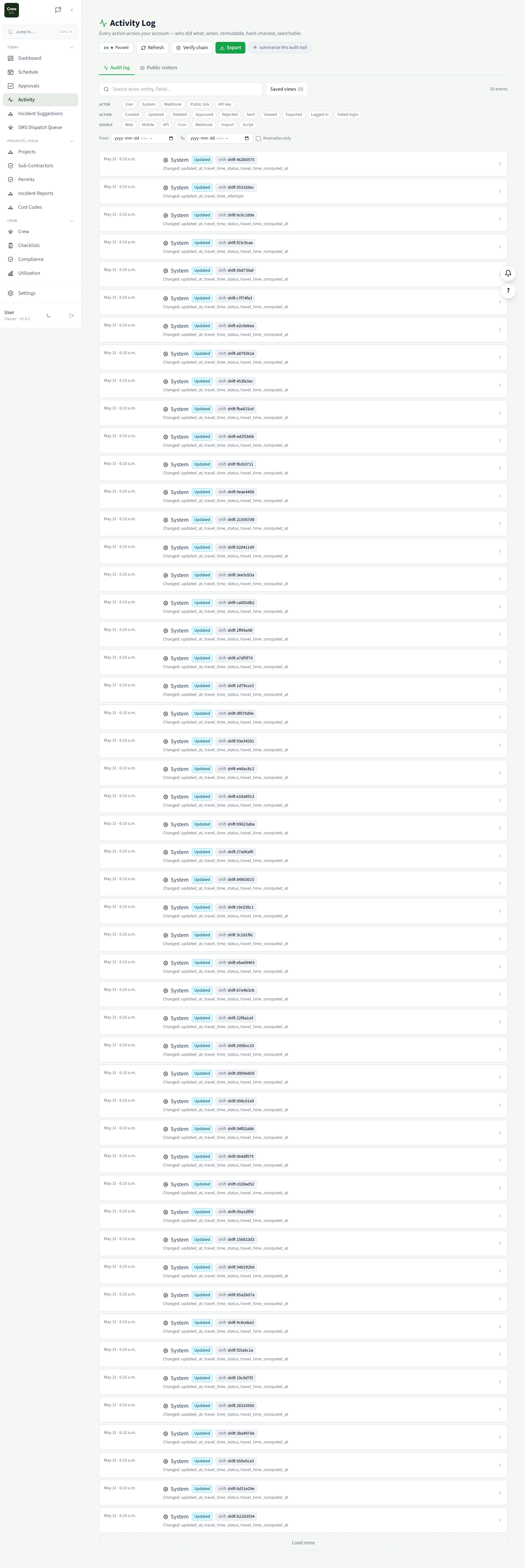
A running record of who did what, when.
Every clock-in, status change, edit, and send, logged in one timeline. When you need to know what happened on a job — or prove it to a client — the answer is here, not in someone’s memory.
Settings · Today
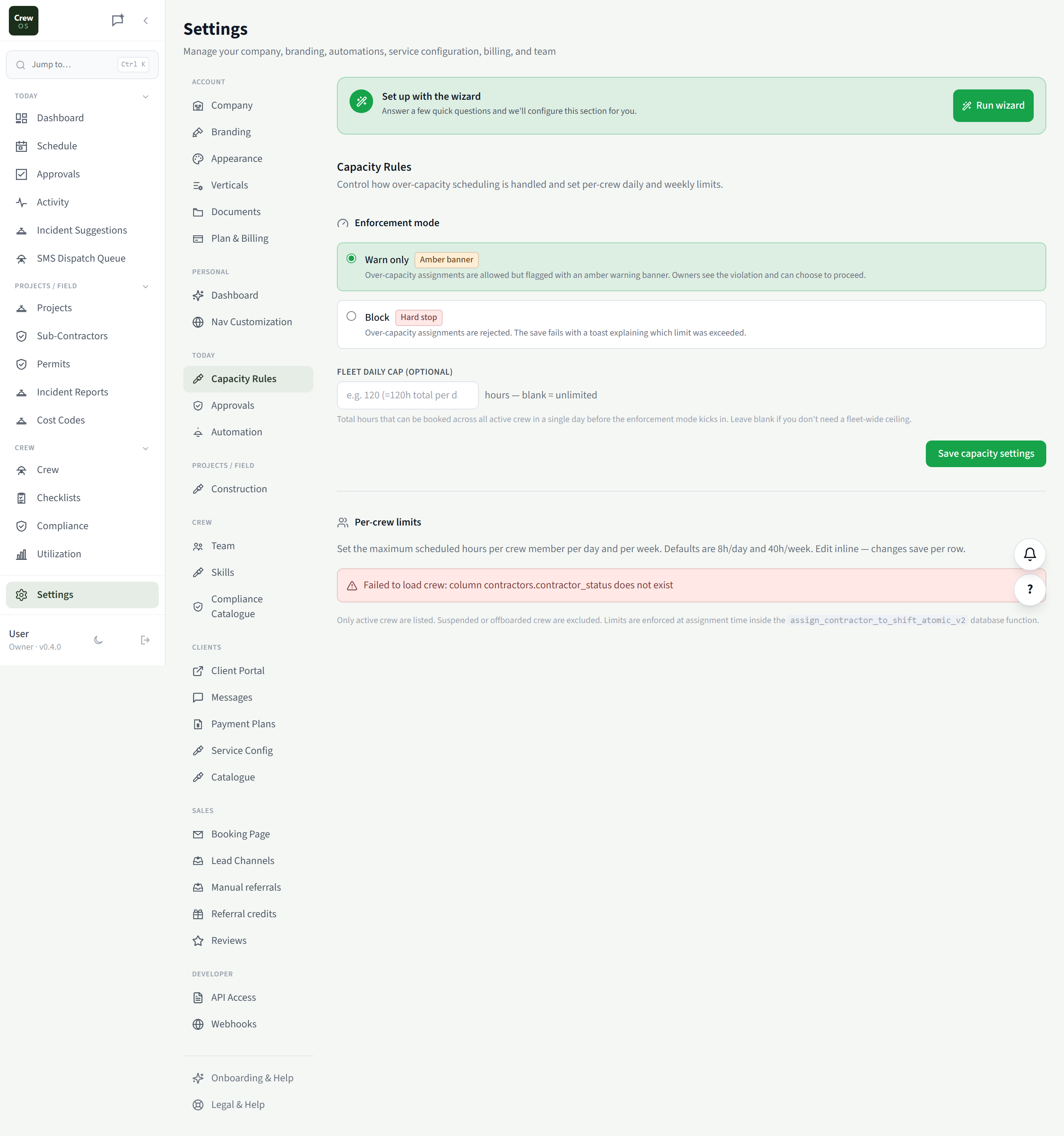
Capacity Rules
Cap the day before you overbook it.
Set how many jobs or hours your crews can take on per day, and the schedule and booking page respect it automatically. You stop selling work you can’t staff, and the calendar stops looking busier than the team really is.
Settings · Today
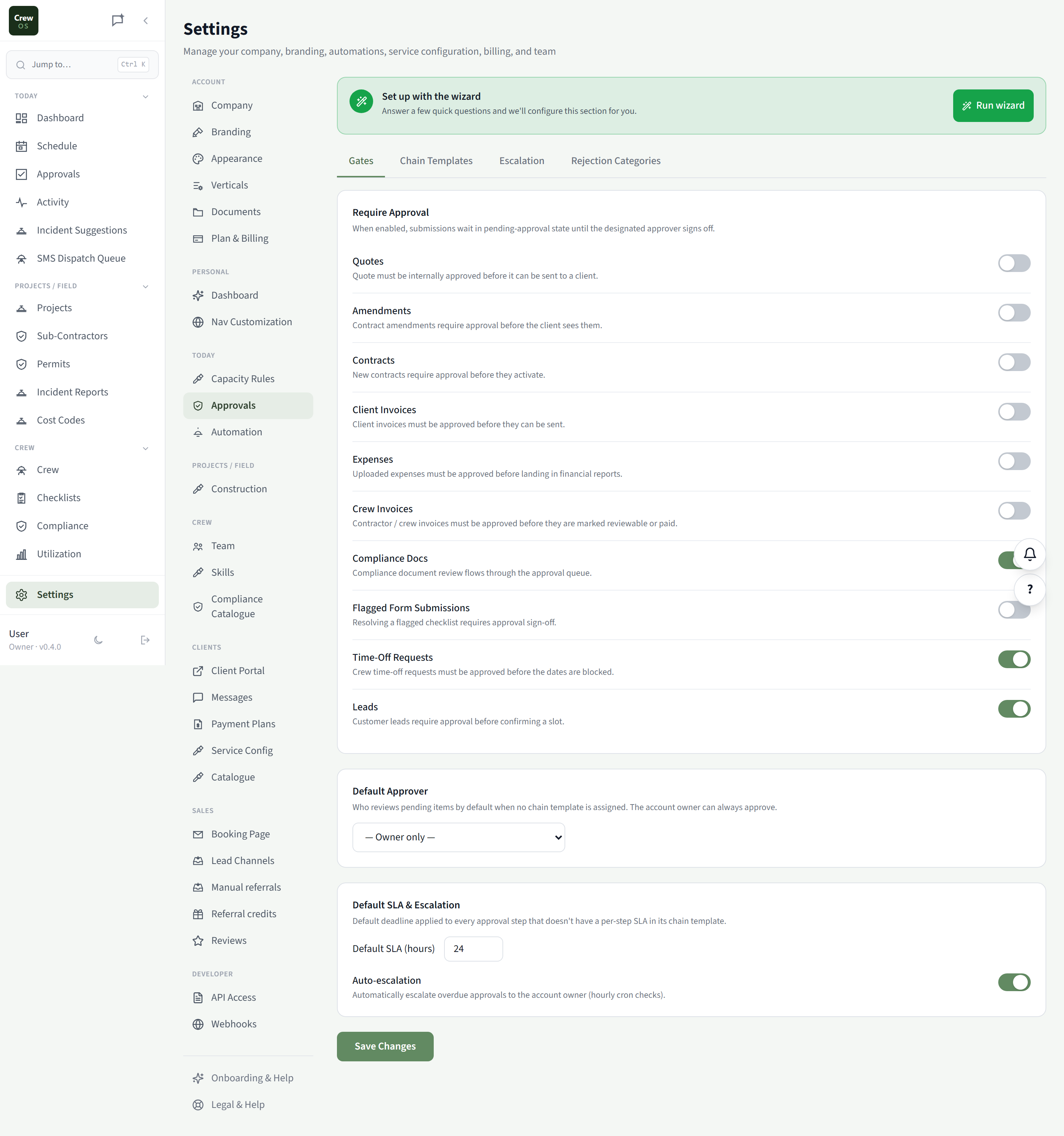
Approvals
Decide what needs a yes — and what doesn’t.
Choose which actions require an owner’s approval: discounts over a threshold, expenses above a limit, quotes past a certain value. Tighten control where the money is and let the routine stuff flow without you.
Settings · Today
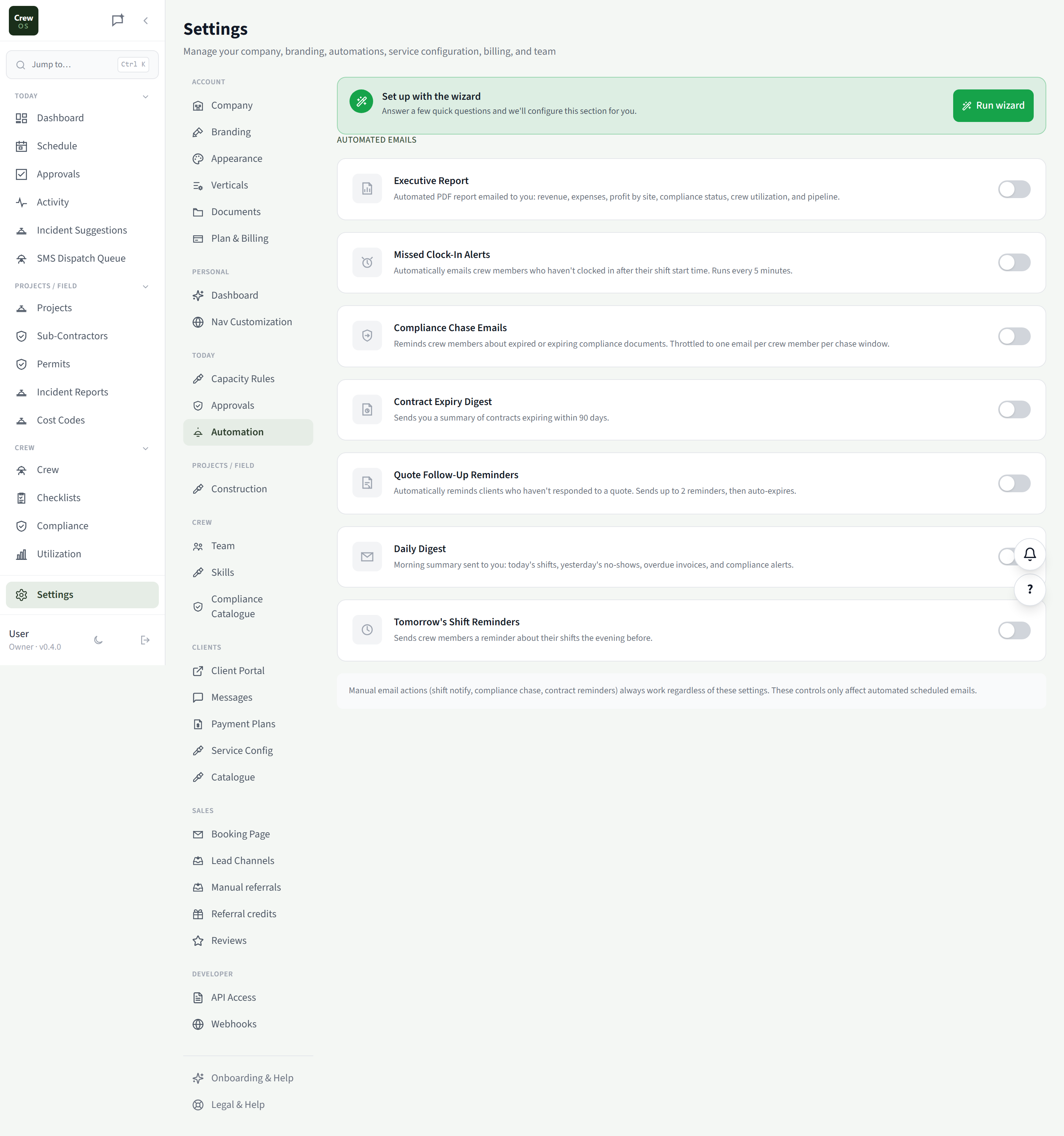
Automation
Let the busywork run itself.
Turn on the nudges that keep jobs moving — quote follow-ups, appointment reminders, review requests, overdue-invoice chasers. Set it once and CrewOS handles the repetitive outreach so you don’t have to remember to.
Run your crew like you've got it together — because now you do.
Set up your first site in an afternoon. Free to start, no card required.